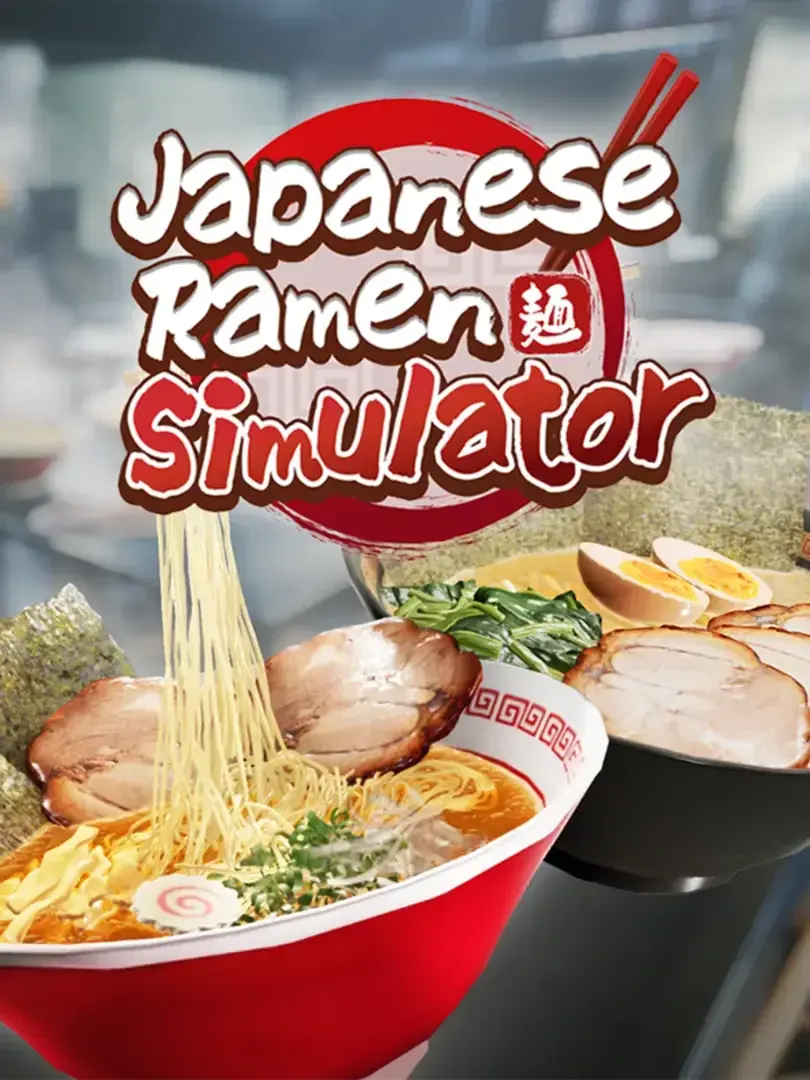
Japanese Ramen Simulator
The game puts you in charge of your own ramen restaurant. You prepare ingredients, cook noodles, and arrange toppings to build the perfect bowl, then serve it to customers who come through your door. Beyond the cooking itself, you design the kitchen and the dining area, so the shop reflects your own taste and your own way of working.
Available languages
| Language | Interface | Audio | Subtitles |
|---|---|---|---|
| Chinese (Simplified) | ✓ | — | — |
| Chinese (Traditional) | ✓ | — | — |
| English | ✓ | — | — |
| French | ✓ | — | — |
| German | ✓ | — | — |
| Hebrew | ✓ | — | — |
| Italian | ✓ | — | — |
| Japanese | ✓ | — | — |
| Korean | ✓ | — | — |
| Portuguese (Brazil) | ✓ | — | — |
| Spanish (Spain) | ✓ | — | — |
Discover the game
About Japanese Ramen Simulator
Japanese Ramen Simulator is a ramen shop management simulator developed and published by Wild Dog. It belongs to the simulator and indie genres, carries a business theme, and can be played in first person or third person. Single player, multiplayer, and cooperative modes are all available, with support for up to six players.
Players can create original dishes instead of following a fixed menu, which gives the game a creative side on top of the usual management loop. Running the shop alone is possible, but the cooperative mode lets friends share the kitchen, split the tasks, and keep the orders moving together.
Gameplay
Moment to moment, the game is about preparing bowls of ramen by hand. You gather and prepare ingredients, cook the noodles, and place toppings to complete each order. The process is practical and tactile, and the quality of your bowl matters to the customers you serve.
Between service, you shape the restaurant itself. You can arrange the kitchen for an efficient workflow and decorate the dining area, building the shop up as your business grows. With friends, roles can be divided between cooking, assembling, and serving, which makes busy periods more lively and more coordinated.
Key Features
- Ramen shop management with hands-on cooking, from preparing ingredients to cooking noodles and arranging toppings
- Original dish creation, so you can invent your own bowls and signature recipes
- Kitchen and dining area design to customize the layout of your restaurant
- Cooperative play for up to six players in the same shop
- Single player mode for those who prefer to run the restaurant alone
- First person and third person perspectives
- Business simulation elements focused on building and growing your ramen restaurant
- Indie simulator with a clear focus on Japanese ramen culture
Multiplayer & Game Modes
Japanese Ramen Simulator supports up to six players in cooperative mode. Friends can join the same restaurant and divide the work: one person handles the noodles, another prepares the toppings, and others assemble and serve the bowls.
If you prefer a calmer pace, the single player mode lets you run the shop on your own and take your time perfecting each recipe and the layout of your restaurant.
Buy your official Japanese Ramen Simulator key on Keyzone.ma. We sell official digital game keys (not physical CDs, not shared accounts): a unique code you activate on your platform account, available immediately in your Keyzone customer area after payment. Pay online in Moroccan dirhams (MAD).
FAQs
Can I play Japanese Ramen Simulator with friends?
Yes, the game supports cooperative multiplayer for up to six players. Everyone can work in the same ramen shop and share cooking and serving tasks.
Can I play Japanese Ramen Simulator solo?
Yes, the game has a single player mode. You can run your restaurant alone, prepare each bowl yourself, and design the shop at your own pace.
Can I create my own ramen recipes in the game?
Yes, you can create original dishes by choosing ingredients, cooking noodles, and arranging toppings your own way. This lets you build a signature menu for your restaurant.
Can I customize my ramen restaurant?
Yes, you can design both your kitchen and your dining area. Keyzone.ma offers the game key with instant delivery in your customer area, so you can start building your shop right away.
Is this a CD or a shared account?
Neither. A game key gives you the exact same game as a physical disc. You get an official code in your Keyzone customer area, enter it on your platform, and the full game is yours permanently. All keys on Keyzone.ma are official and sourced from authorized distributors. On Keyzone.ma, where the official key is available immediately in your Keyzone customer area after online payment in MAD.
Does the key work from Morocco?
Make sure the region of the key matches the region of your platform account. A Global key works on any account worldwide. Keyzone.ma clearly indicates the region on each product page.
You might also like
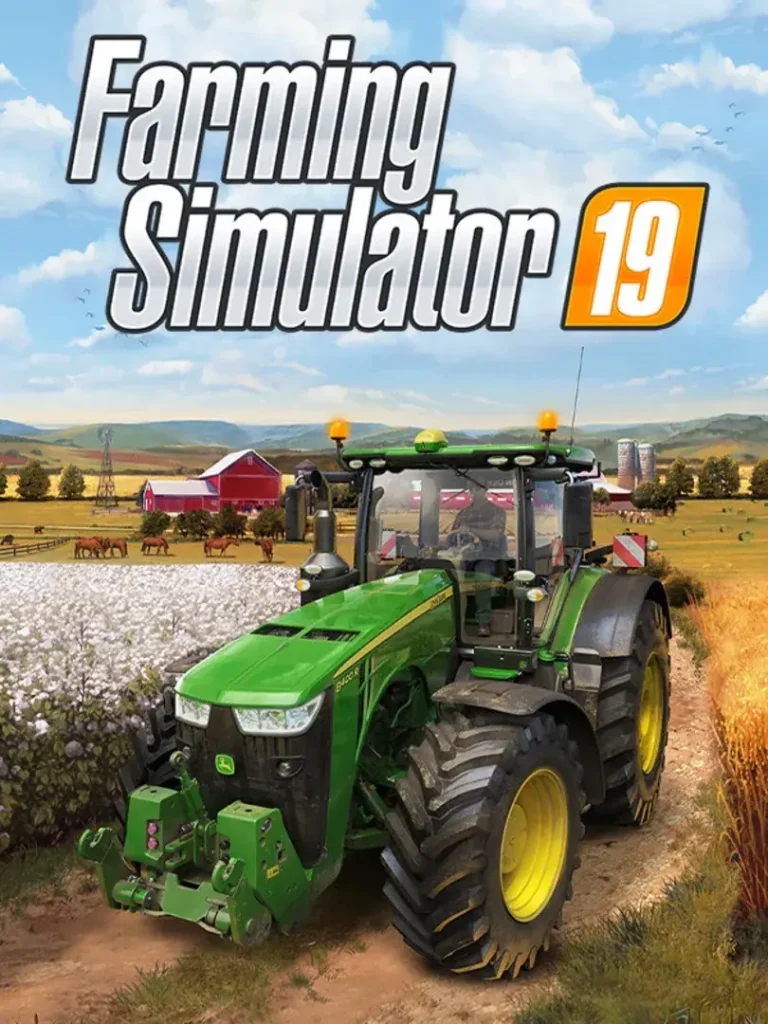
Farming Simulator 19

Le Mans Ultimate
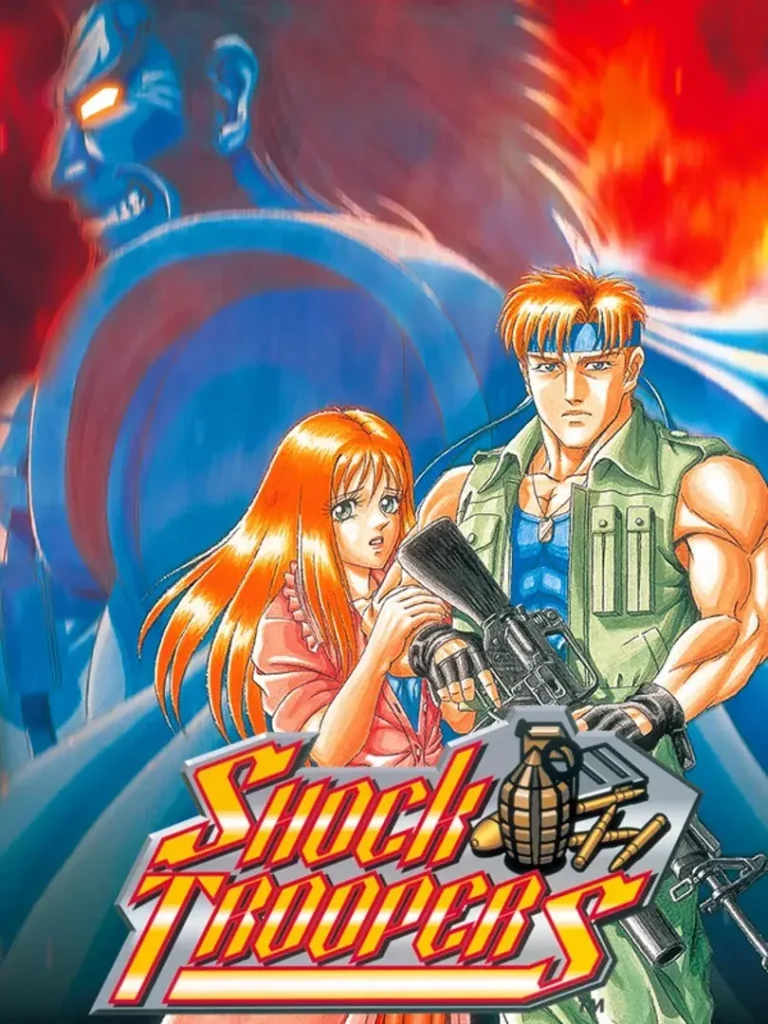
Shock Troopers

LEGO Batman 3: Beyond Gotham
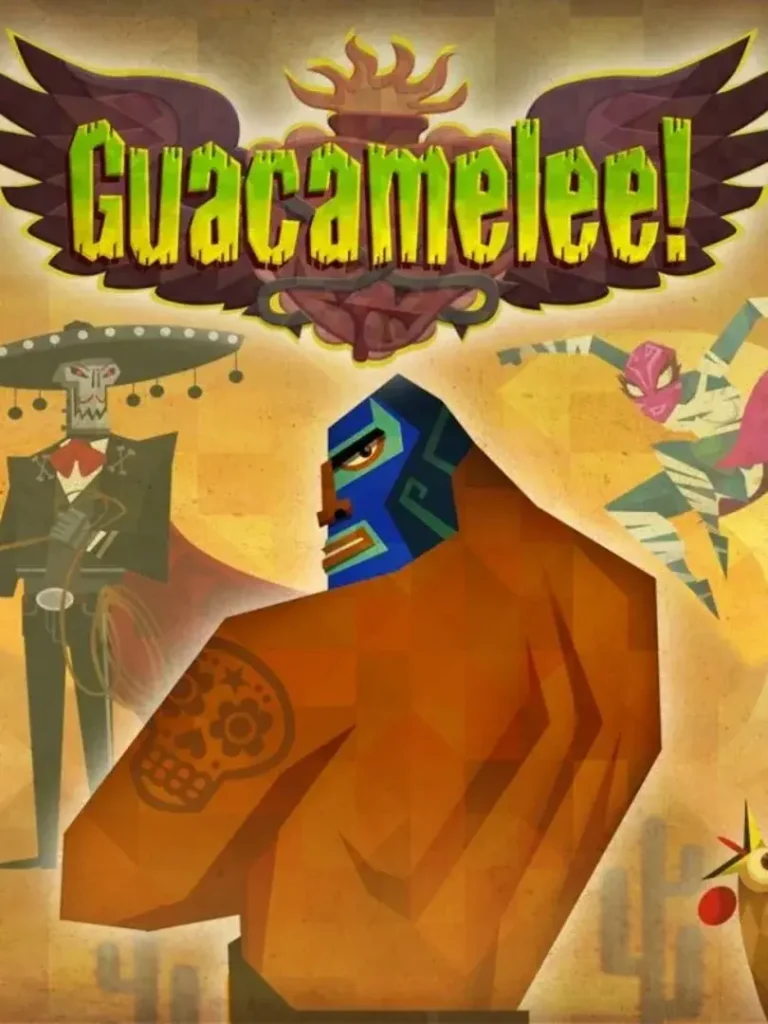
Guacamelee!