


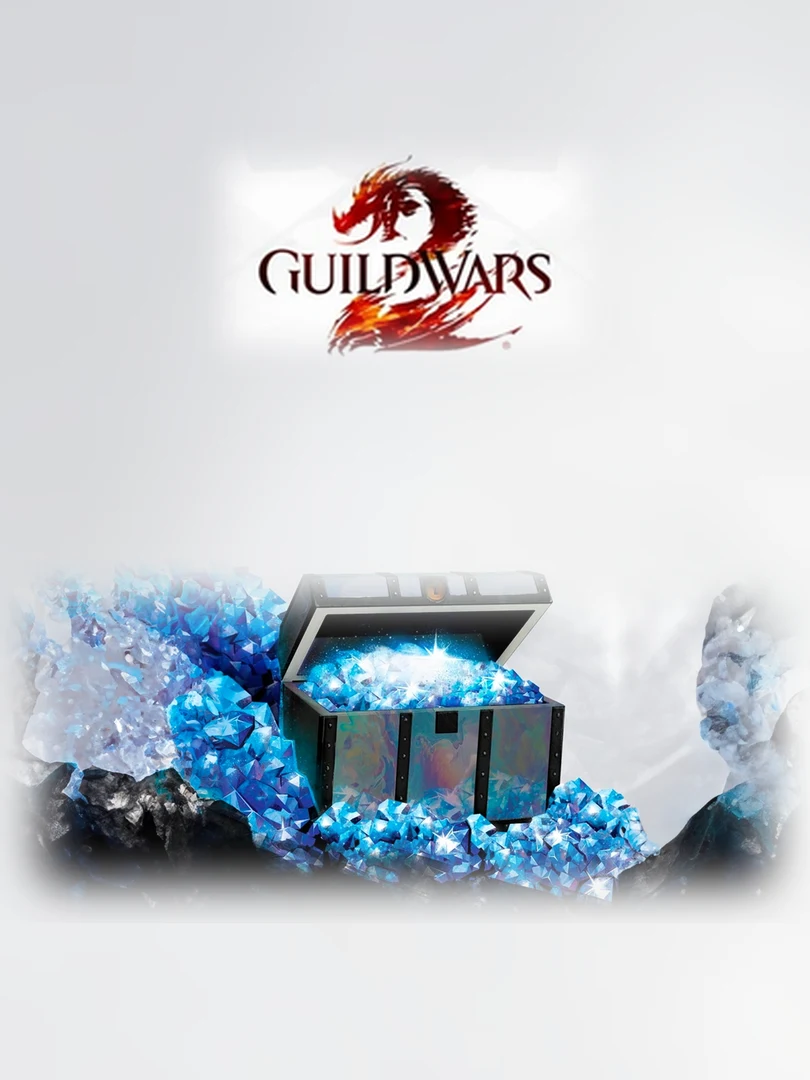
Guild Wars 2 – Gems
Guild Wars 2 Gems (official gem cards) for your ArenaNet account. A digital code delivered in your customer area.
Gems are Guild Wars 2’s premium currency. You spend them in the in-game Gem Store.
What are they for?
- Buy outfits, mount skins and convenience items
- Add character and inventory slots
- Exchange them for in-game gold at the currency exchange
How to use it?
- Sign in to your ArenaNet (Guild Wars 2) account on the official website, in the code redemption section, or open the Gem Store in game and choose “Redeem code”.
- Enter the code shown in your customer area, under “Mes achats”.
- The gems are added to your account and show up in the Gem Store.
Compatibility
- Guild Wars 2 on PC (ArenaNet account)
- An Internet connection
Region
Worldwide: the code works on an account from any region.
Good to know
Gems are added to the account, not to a single character: all your characters benefit.
Why buy on Keyzone?
- Digital code delivered in your customer area, under “Mes achats”
- Official code, to redeem on your own account (we do not sell accounts)
- Payment by bank card, in dirhams
FAQs
Do I need to own Guild Wars 2?
You need a Guild Wars 2 account: the base game is free, the gems are added to that account.
What can I buy with gems?
Gem Store items: outfits, skins, mounts, slots, expansions, and gold at the currency exchange.
How do I receive my code?
Once the order is paid, the code appears in your customer area, under “Mes achats”.
How do I pay on Keyzone?
Payment on Keyzone is by bank card, in dirhams.
You might also like

PlayStation Store Gift Card
68,00 dhs
Xbox Gift Card
30,00 dhs

Steam Gift Card
105,00 dhs

Google Play Gift Card
61,00 dhs
Nintendo eShop Gift Card
115,00 dhs