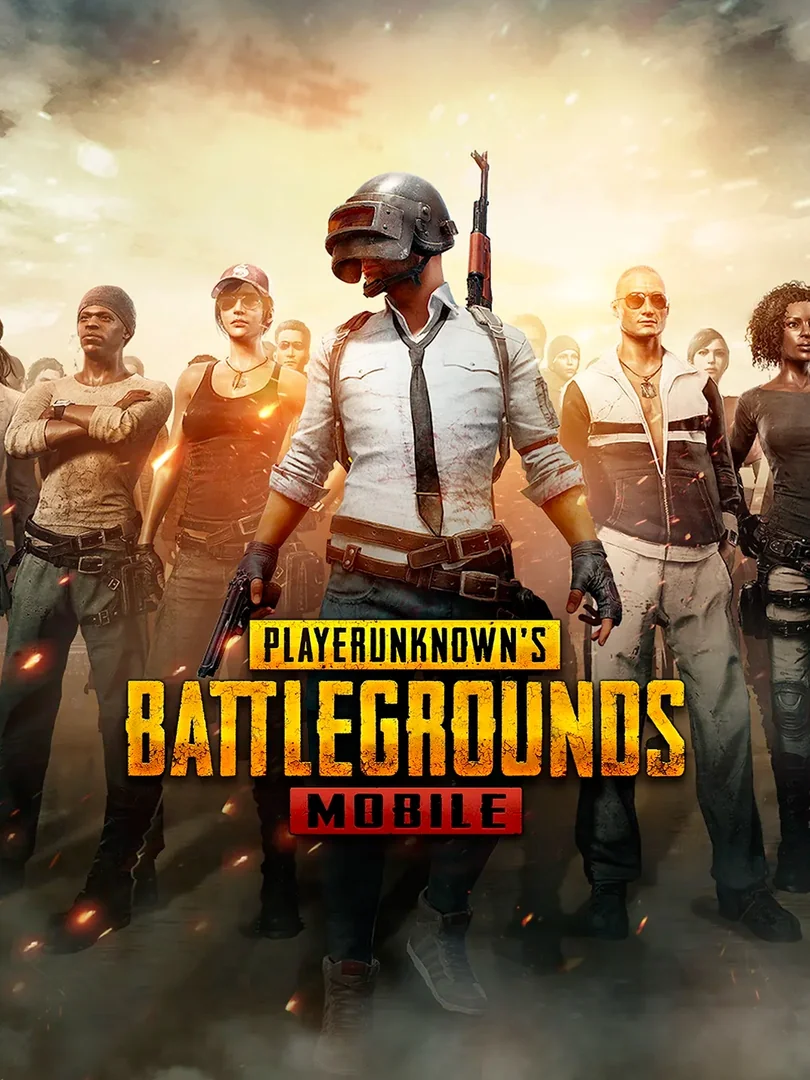
PUBG Mobile UC
UC for PUBG Mobile (Android and iOS): skins, outfits, Royale Pass and in-game items. A digital code delivered in your customer area, redeemed with your own…
UC (Unknown Cash) is PUBG Mobile’s premium currency. This code, redeemed on the official Midasbuy redemption centre, credits your player account directly, with no bank card to enter.
What is it for?
- Buy crates for weapon skins, outfits and parachutes
- Unlock the season’s Royale Pass
- Buy items from the in-game shop
How to redeem it
- Find your account’s Player ID in PUBG Mobile.
- Open the Midasbuy redemption centre for PUBG Mobile (midasbuy.com/ot/redeem/pubgm).
- Enter your Player ID, then the code shown in your customer area, under “Mes achats”.
- Confirm: the UC are sent to your account and show up in the game.
Compatibility
- PUBG Mobile on Android and iOS
- A PUBG Mobile player account (Player ID)
- An Internet connection
Account region
The code is sold as global. It does not cover PUBG Mobile’s separate regional servers (China, Japan, Korea, Taiwan, Vietnam). Check the ID you enter carefully: a mistake can delay or prevent redemption.
Why buy on Keyzone?
- Digital code delivered in your customer area, under “Mes achats” (My purchases)
- Verified code, to be redeemed on your own account (we never sell accounts)
- Pay by bank card, in dirhams
FAQs
Where do I redeem my code?
At PUBG Mobile’s official Midasbuy redemption centre, with your own account’s Player ID.
How do I receive my code?
Once the order is paid, the code appears in your customer area, under “Mes achats”.
Do the UC work on PUBG PC or console?
No, these UC are for PUBG Mobile only.
Which servers can I use it on?
International servers; the separate regional servers for China, Japan, Korea, Taiwan and Vietnam are excluded.
How do I pay on Keyzone?
Payment on Keyzone is made by bank card, in dirhams.
You might also like
PlayStation Store Gift Card
Xbox Gift Card
Steam Gift Card
Google Play Gift Card