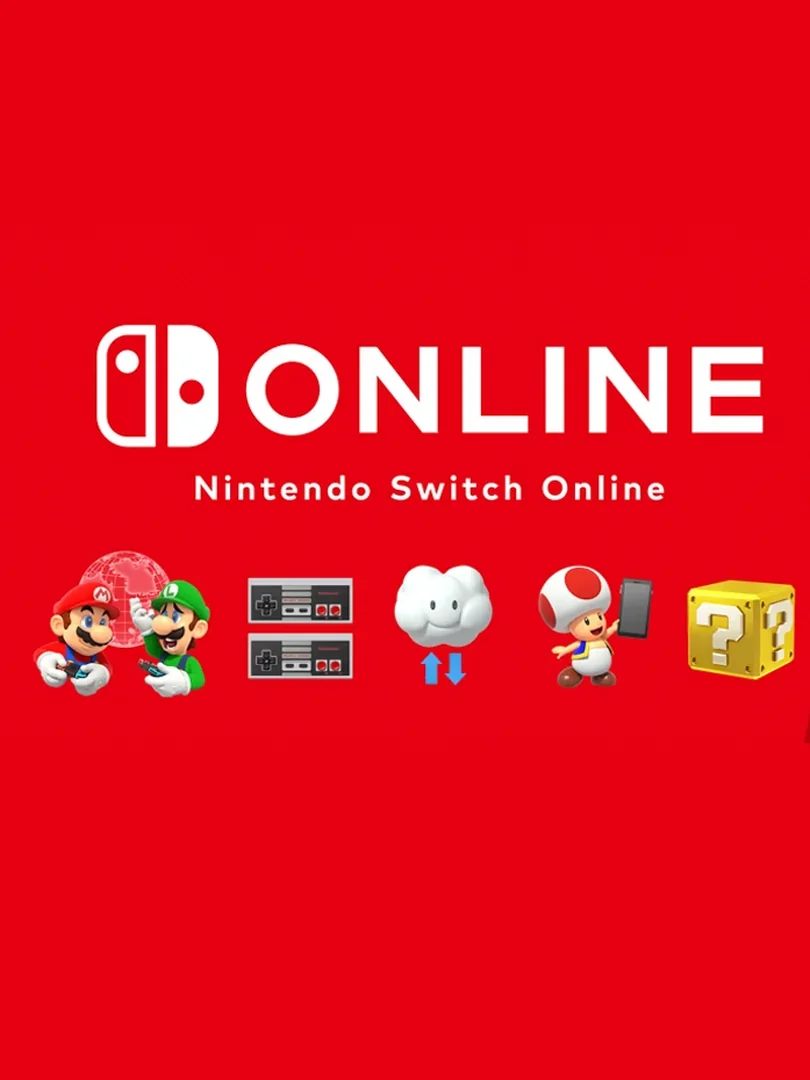
Nintendo Switch Online
Nintendo Switch Online is Nintendo’s subscription giving access to online play on Switch, cloud save backup and a library of classic games. This code adds the chosen duration to your Nintendo account.
Nintendo Switch Online is Nintendo’s subscription giving access to online play on Switch, cloud save backup and a library of classic games. This code adds the chosen duration to your Nintendo account.
What is it for?
- Play online with friends in compatible games
- Back up your saves in the cloud
- Access the classic games included in the plan
- With the Family plan, share the subscription within a Nintendo family group
How to redeem it
- On the console, open the Nintendo eShop and select your account.
- Choose the option to enter a code, then type the one shown in your customer area, under “Mes achats”.
- You can also enter the code on Nintendo’s website, after signing in to your account.
- Confirm: the subscription is added to your account.
Compatibility
- Nintendo Switch, Switch Lite, Switch OLED and Switch 2
- A Nintendo account
- An Internet connection
Account region
Pick the variation (Europe or United States) that matches the country set on your Nintendo account. The code only works in the stated region: check it before ordering.
Why buy on Keyzone?
- Digital code delivered in your customer area, under “Mes achats” (My purchases)
- Verified code, to be redeemed on your own account (we never sell accounts)
- Pay by bank card, in dirhams
FAQs
Can I redeem it on an account from another region?
No. The country of your Nintendo account must match the region of the variation you choose, to check before ordering.
What is the difference between Individual and Family?
The Individual plan is for a single account. The Family plan can be shared within a Nintendo family group. The duration and plan are shown on each variation.
Does it add to a subscription that is already active?
The code adds the stated duration to your Nintendo account. For a subscription already running, Nintendo’s own rule applies: check Nintendo’s help page if in doubt.
Do I need a Switch to use it?
Yes, the subscription is used on a Nintendo Switch console linked to your account.
How do I receive my code?
Once the order is paid, the code appears in your customer area, under “Mes achats”.
How do I pay on Keyzone?
Payment on Keyzone is made by bank card, in dirhams.
You might also like
PlayStation Store Gift Card
Xbox Gift Card
Steam Gift Card
Google Play Gift Card